SyncText
A little tool I built to scratch a constant itch: getting a short bit of text from one device to another - a login code from my phone, a URL, a command, an SSH key - without emailing it to myself or reaching for a messaging app.
Open the page on both devices, swap a short 6-character code to pair them, and whatever you type syncs live between the two. The text travels directly between the browsers over an encrypted peer-to-peer connection - it never lands on a server, and nothing is stored anywhere.
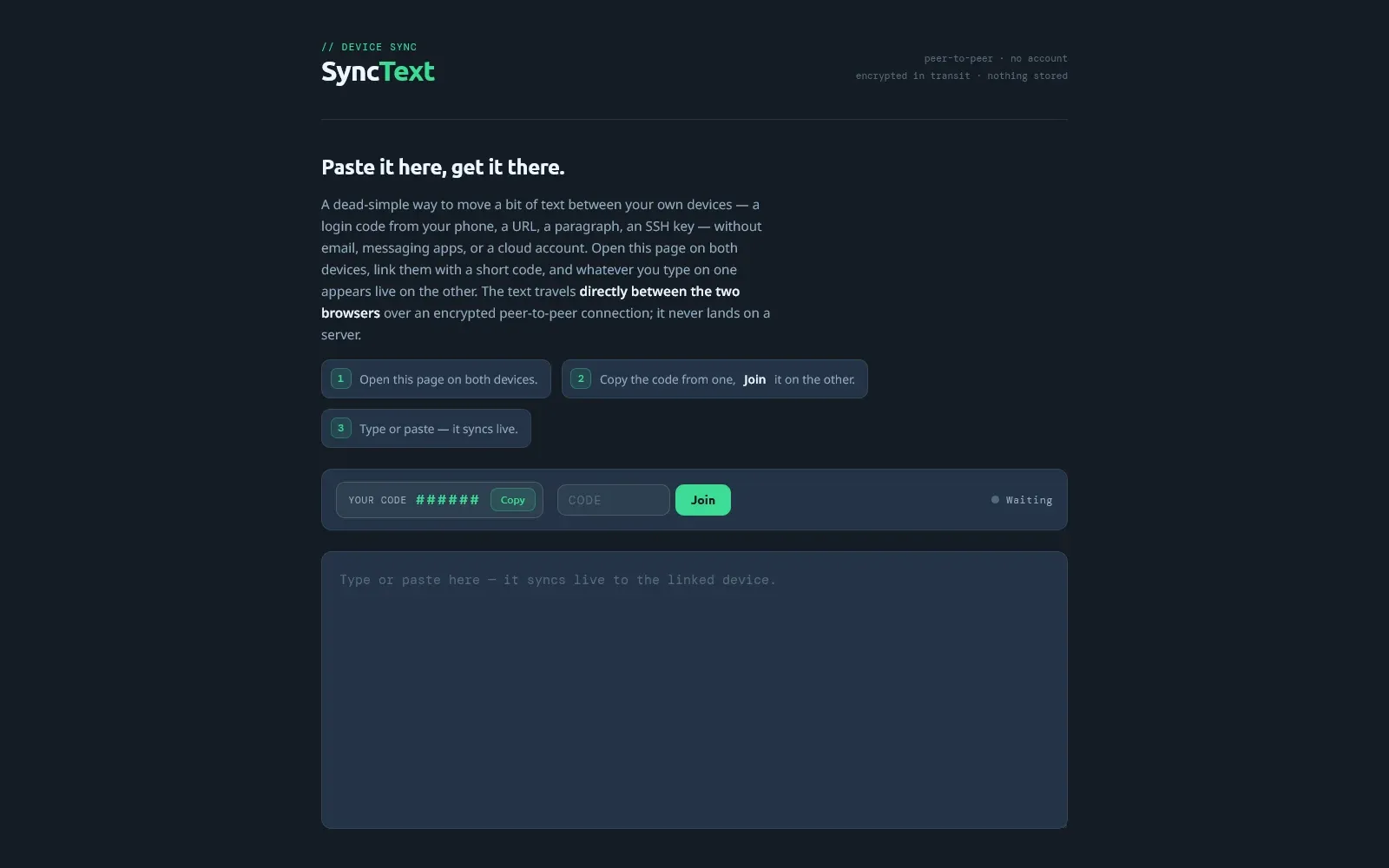
In Action
The same pad, on every screen
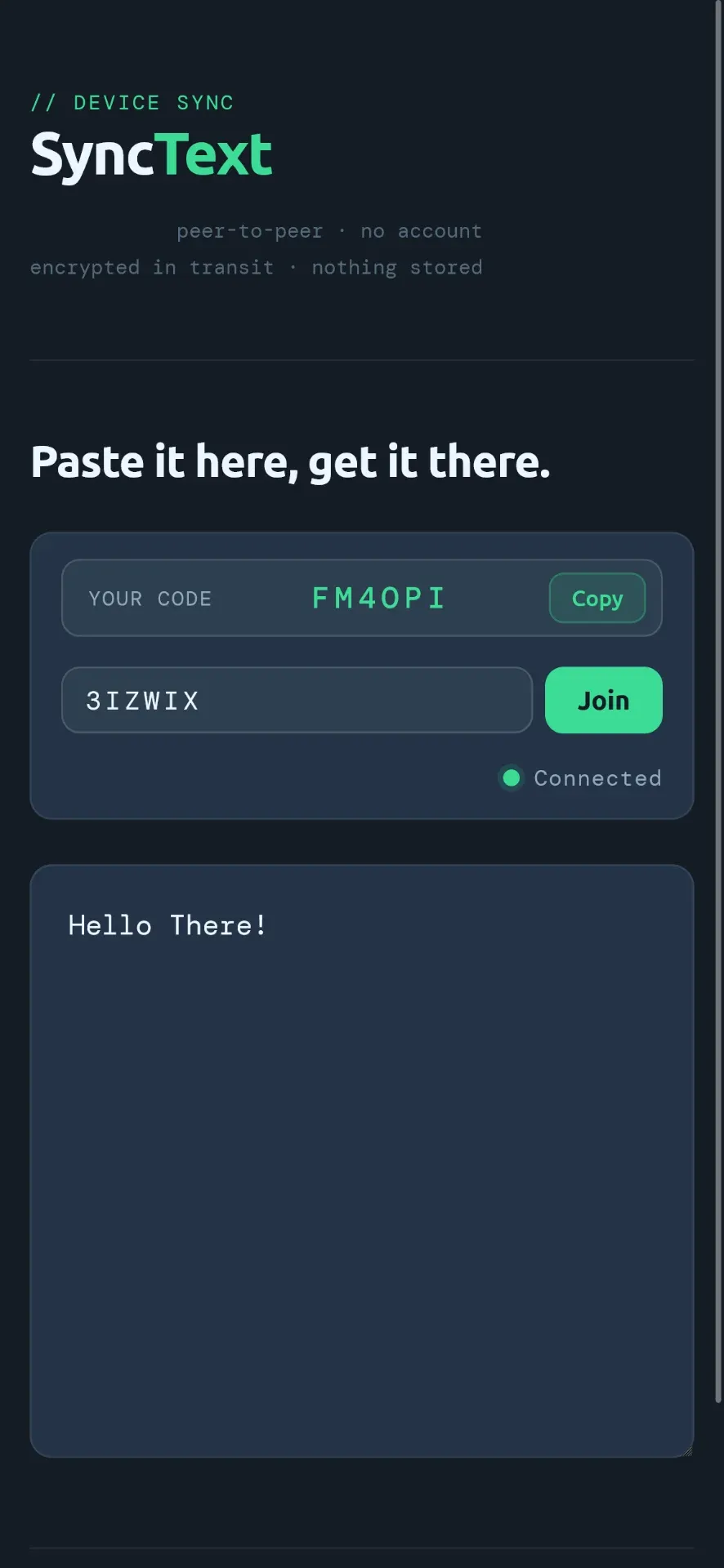
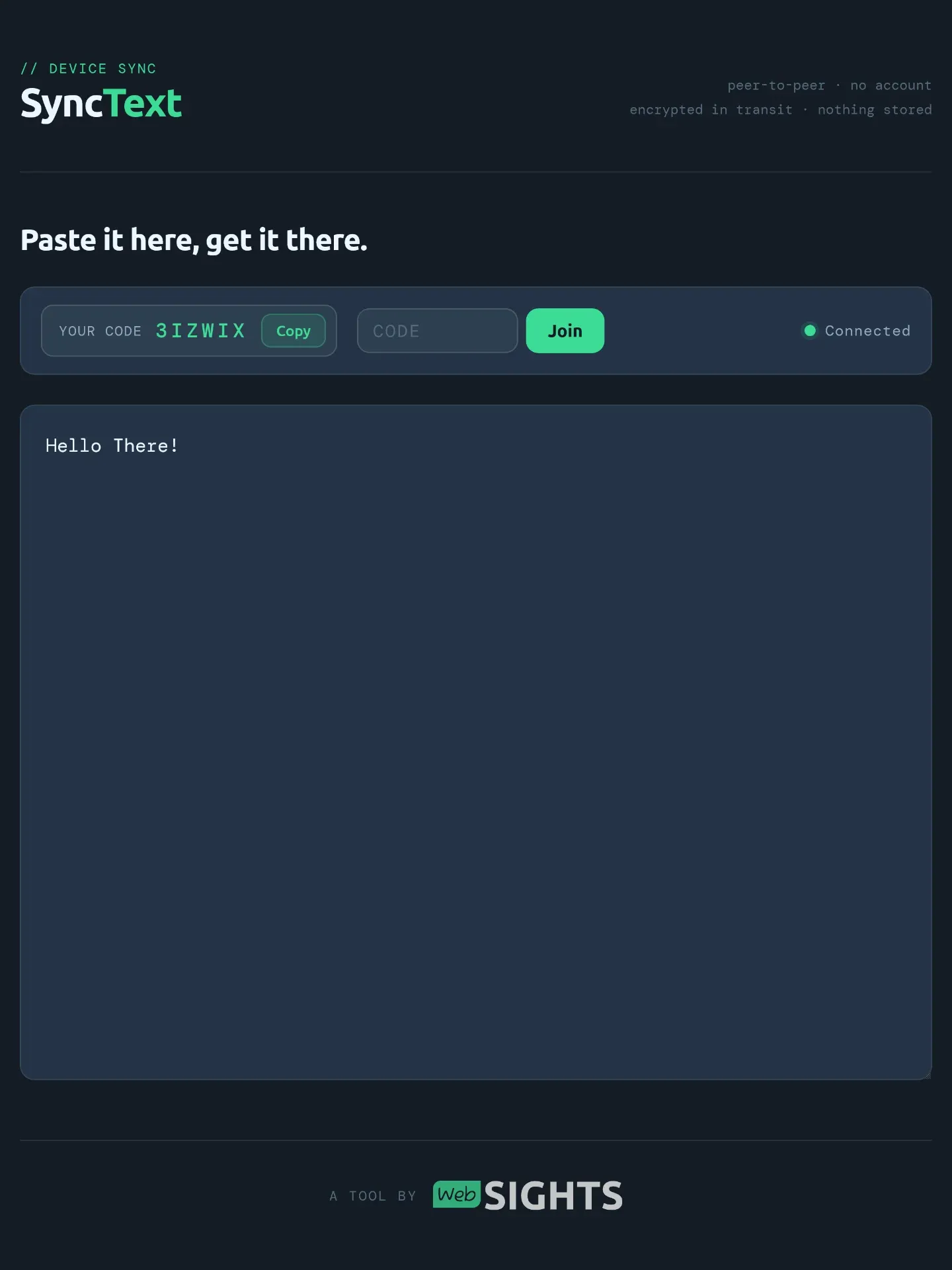
Because the whole point is moving text between your own devices, SyncText works the same on every screen - phone, tablet, or laptop. Open the pad on any two, pair them with the 6-character code, and they stay in step as you type.
Here it is running on a phone and a tablet, side by side. Type on one and it shows up on the other in real time - no app to install, no account, and nothing saved.
What it does
- No accounts, no installs - it's a single static page. Open it on both devices and you're ready.
- Pair with a code - swap a short 6-character code to connect the two devices.
- Live sync - type on one device and the text appears on the other as you go.
- Peer-to-peer and encrypted - text travels directly between the two browsers over an encrypted connection (WebRTC). It never lands on a server.
- Nothing is stored - no database, no logging, no history. Close the tab and it's gone.
- Made for the little things - a login code, a URL, a config snippet, an SSH key, or a quick note from phone to desktop.